
Hours of spreadsheet analysis in one question
Ask about habits, categories, or trends in plain language — answers grounded in your real data.
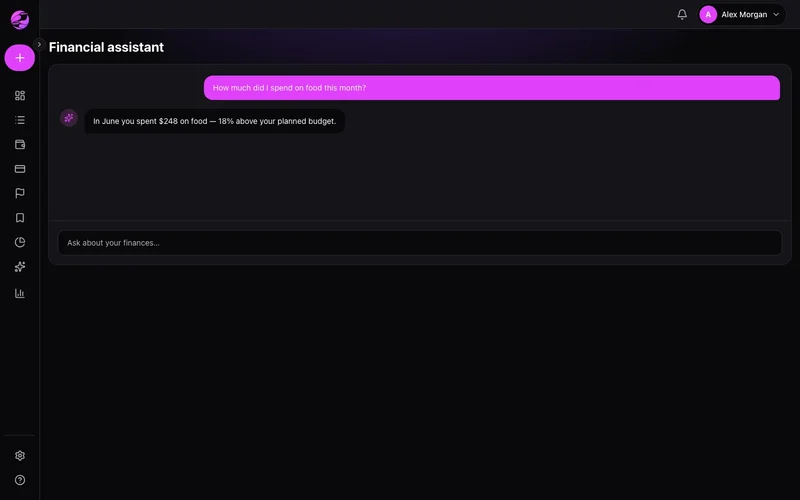
Numbers without a story
Charts show what happened, not what it means or what to try next.
Conversational insights on demand
Chat with the assistant to summarize periods, compare categories, and spot anomalies faster.
The result
Instant clarity on spending patterns you'd never spot manually.
Open the assistant in the web sidebar or under More on mobile. Ask in natural language.
Practical answers — trends, suggestions, and respect for your permissions.
AI features evolve quickly. Availability may vary by plan — see in-app notices.
Real example
Ask: 'How much did I spend on delivery in the last quarter?' — get the total and top merchants in seconds.
What you can do
- Natural-language questions about your data
- Summaries by period, category, or merchant
- Follow-up questions with context
- Premium: full assistant on web and mobile
How it works
- 1
Open the assistant
Web sidebar or More on mobile.
- 2
Ask something specific
Try: How much did I spend on food this month?
- 3
Go deeper
Follow up or jump to reports for detail.
Frequently asked questions
Does the assistant move money?
Is AI on Free?
Is data sent to third parties?
Multilingual support?
Related features
Ready for financial clarity?
Create your account in under a minute. Free forever — Premium only if you want it.
Start for free