
Finances together, permissions intact
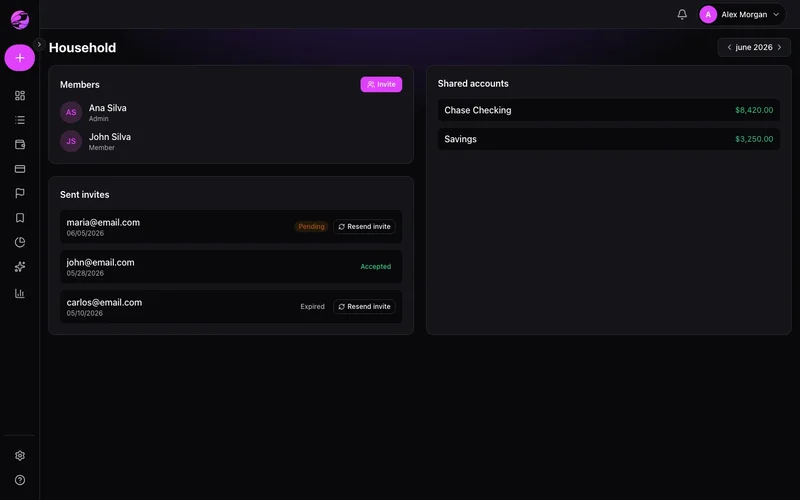
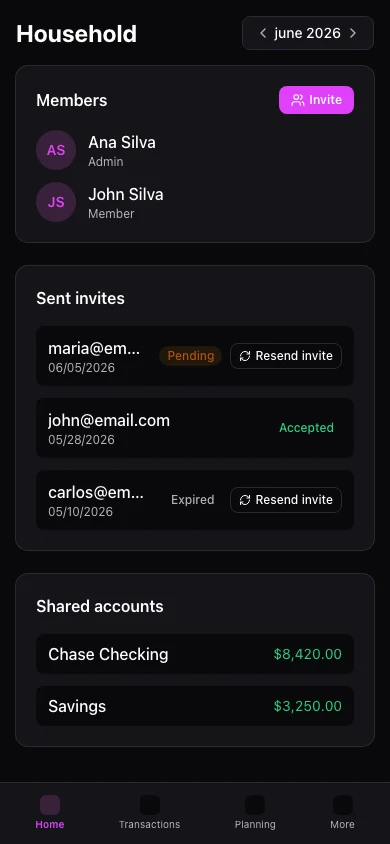
Invite partner or family to a shared household. See combined context while controlling who can change what.
Couples guessing instead of planning
Separate apps mean nobody sees the full picture before big decisions.
Shared view, clear roles
Household invites let members collaborate on accounts, budgets, and goals with sensible access.
The result
Shared visibility without shared passwords to every bank.
Create a household and invite by email. Accepting links the profile to shared context.
Coordinate budgets and goals with everyone seeing the same numbers on web.
Mobile household features are growing; full invite management is web-first today.
Real example
Partner sees household budget at 90% while you're traveling — you both adjust dining spend before month-end.
Qué puedes hacer
- Email invites
- Shared context
- Role-based permissions
- Joint monthly budget
Cómo funciona
- 1
Create household
Start in web settings.
- 2
Send invites
Family accepts with their own login.
- 3
Plan together
Shared reports and budgets for alignment.
Preguntas frecuentes
Does everyone need Premium?
Can I leave a household?
Household on mobile?
How is privacy handled?
Ready for financial clarity?
Create your account in under a minute. Free forever — Premium only if you want it.
Start for free